Run your barn. Not your paperwork.
Built for Barns. Designed around your day.
Track feedings, farrier and vet visits, and horse health. Schedule lessons with your trainers. Send invoices to your clients and more!
-
Elena: Book Tessa Tue 4pm private
-
Rein: Book Tessa Nguyen, Private Lesson, Tue Oct 6 at 4:00 PM with Elena Vasquez? Reply YES within 10 min to confirm.
-
Elena: YES
-
Rein: Done: booked Tessa Nguyen, Private Lesson, Tue Oct 6 at 4:00 PM with Elena Vasquez.
How it works
From Feed to Financials
From the barn aisle to your books in one click.
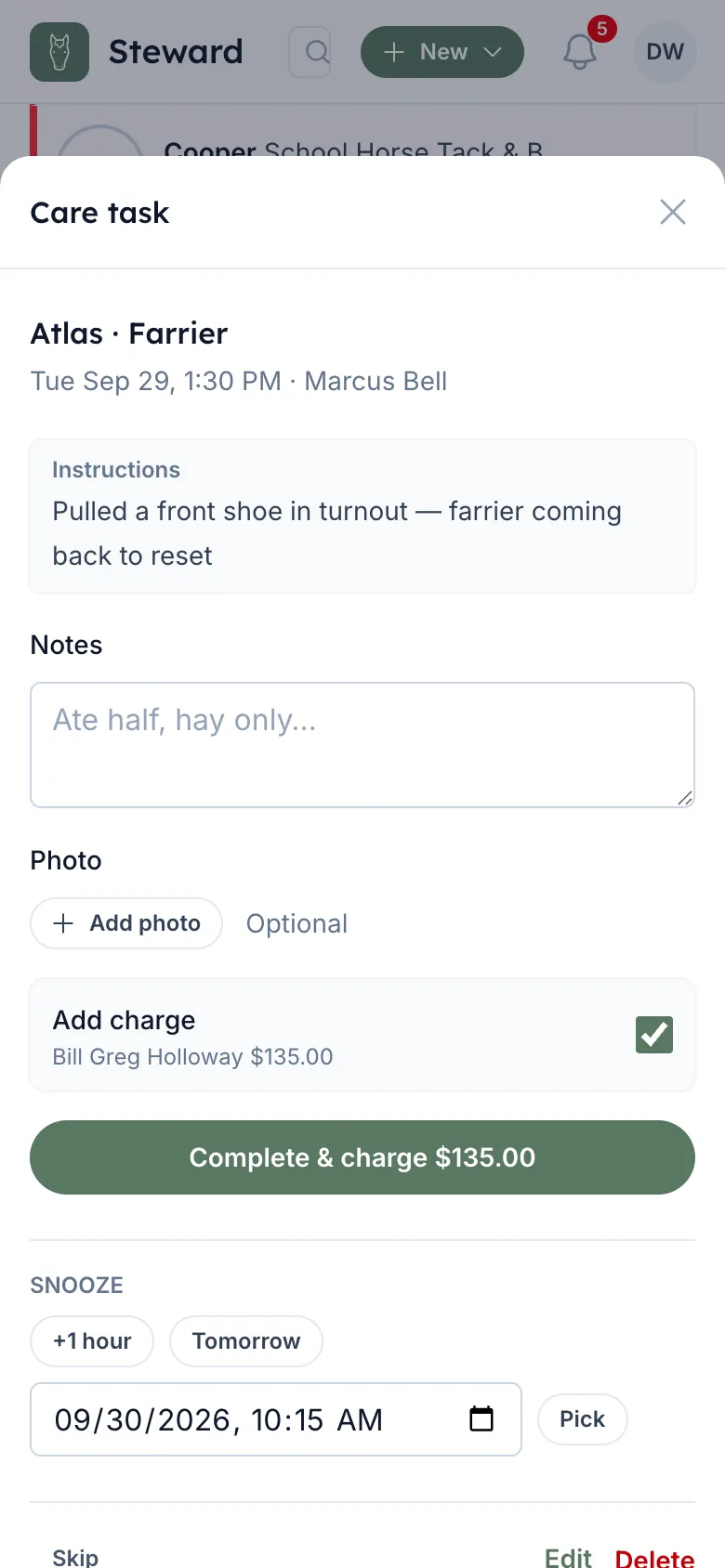
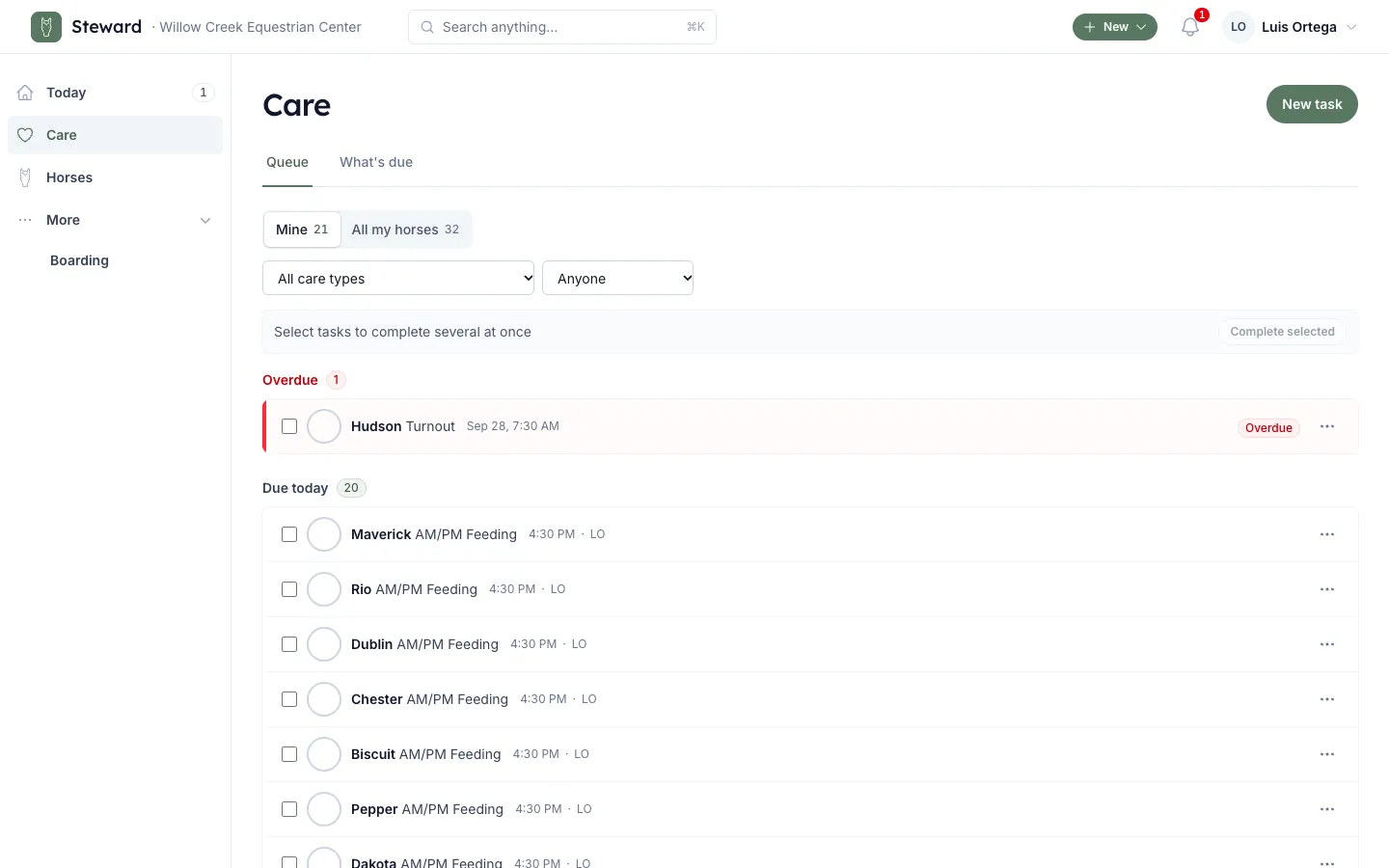
Tap it done, or text “Upper barn fed.” Billable work becomes a charge.
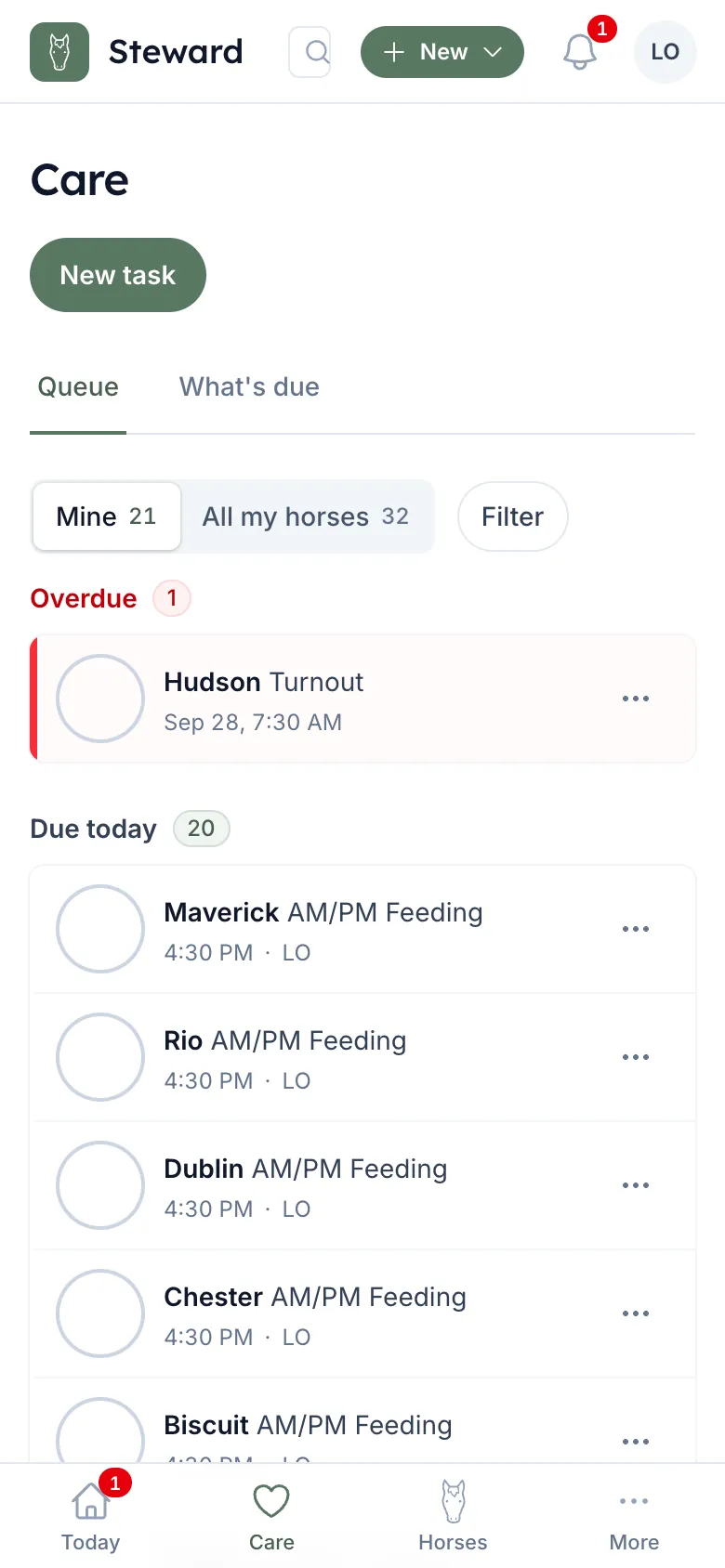
On the right owner's account. Nobody retypes it.
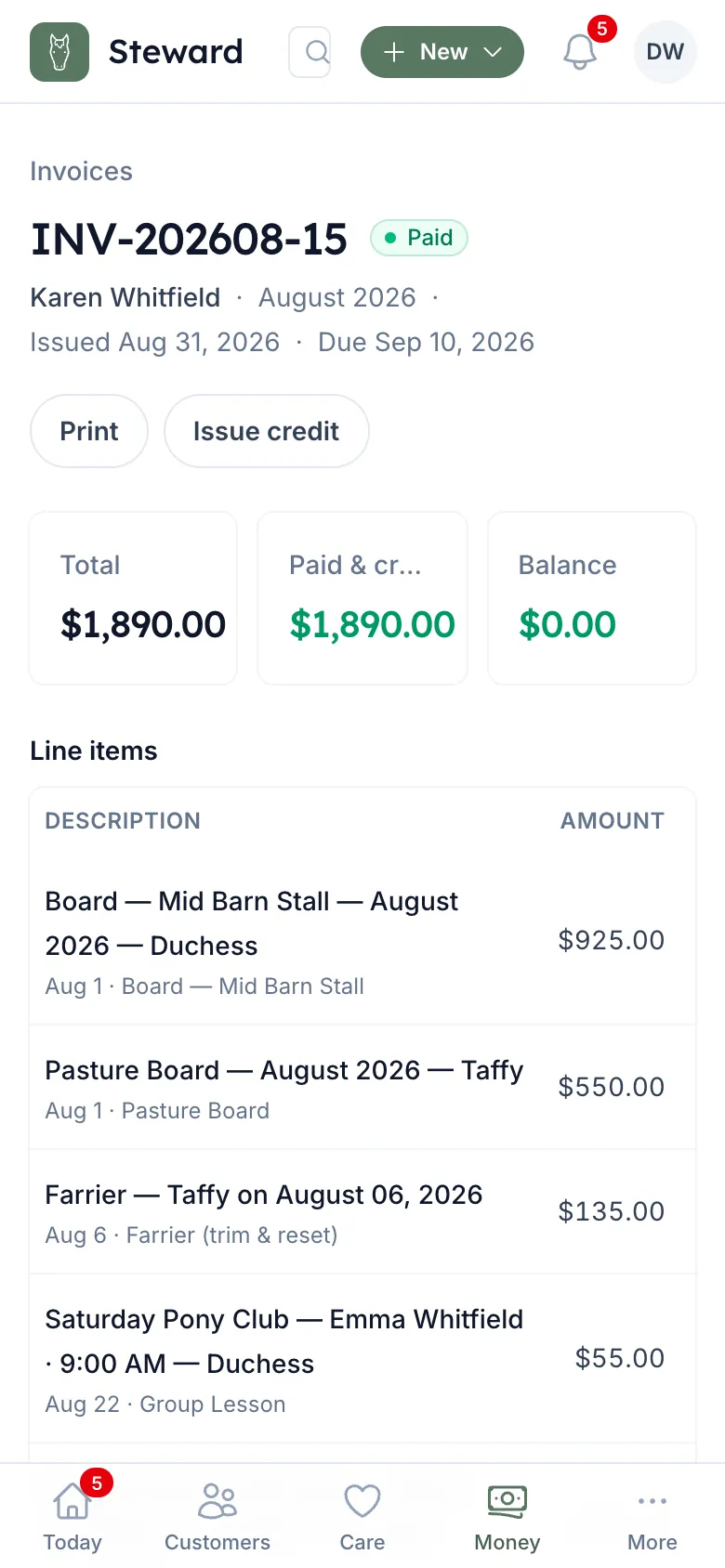
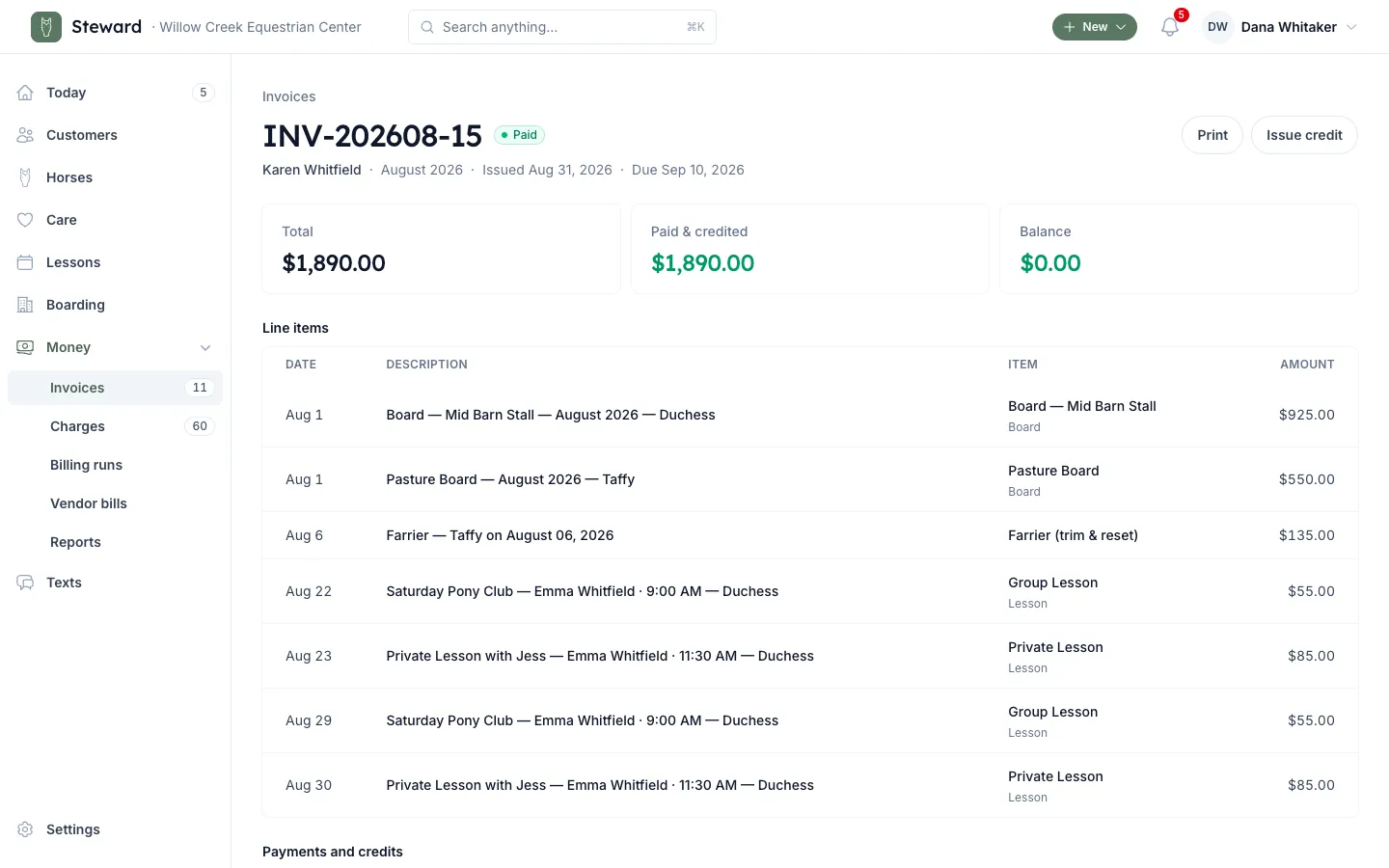
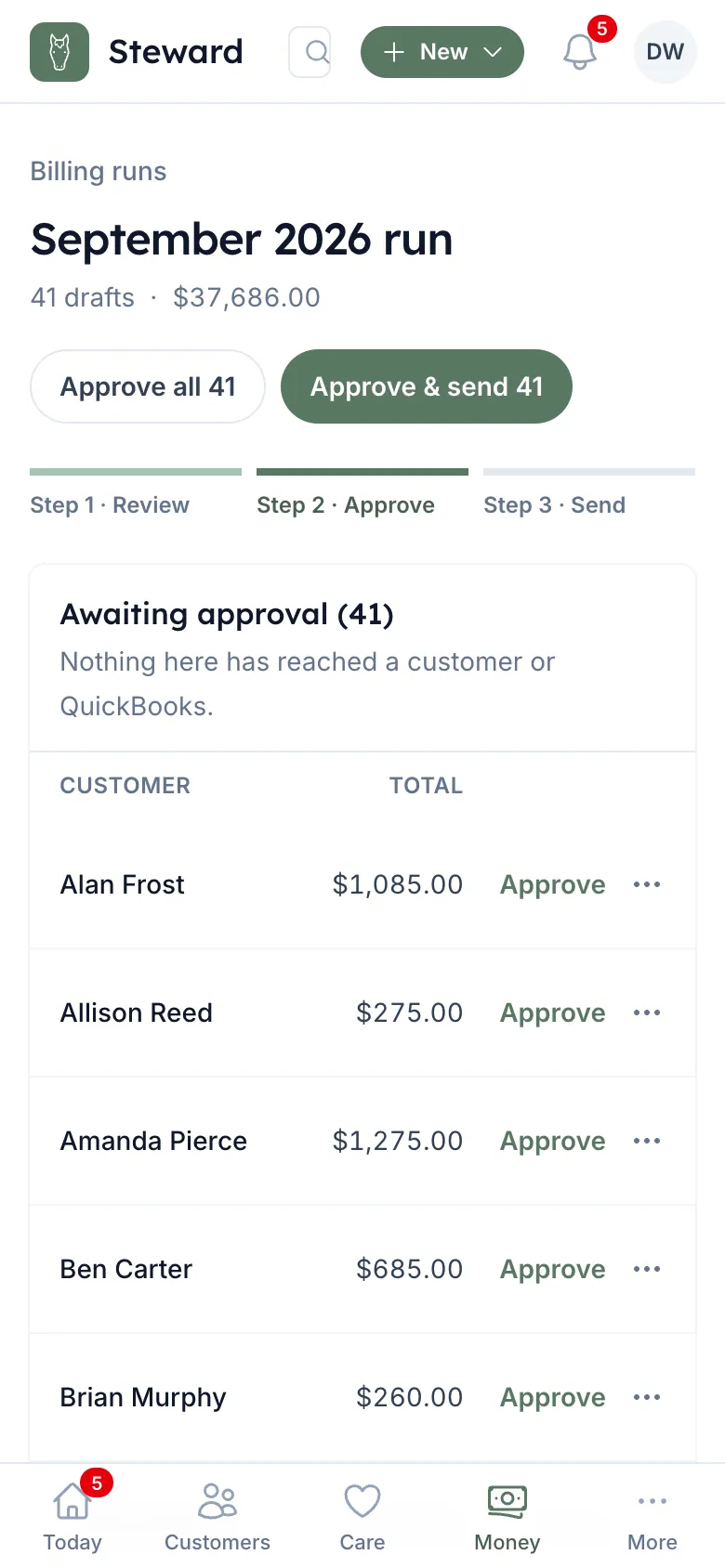
One click builds every invoice. Check them, then send.
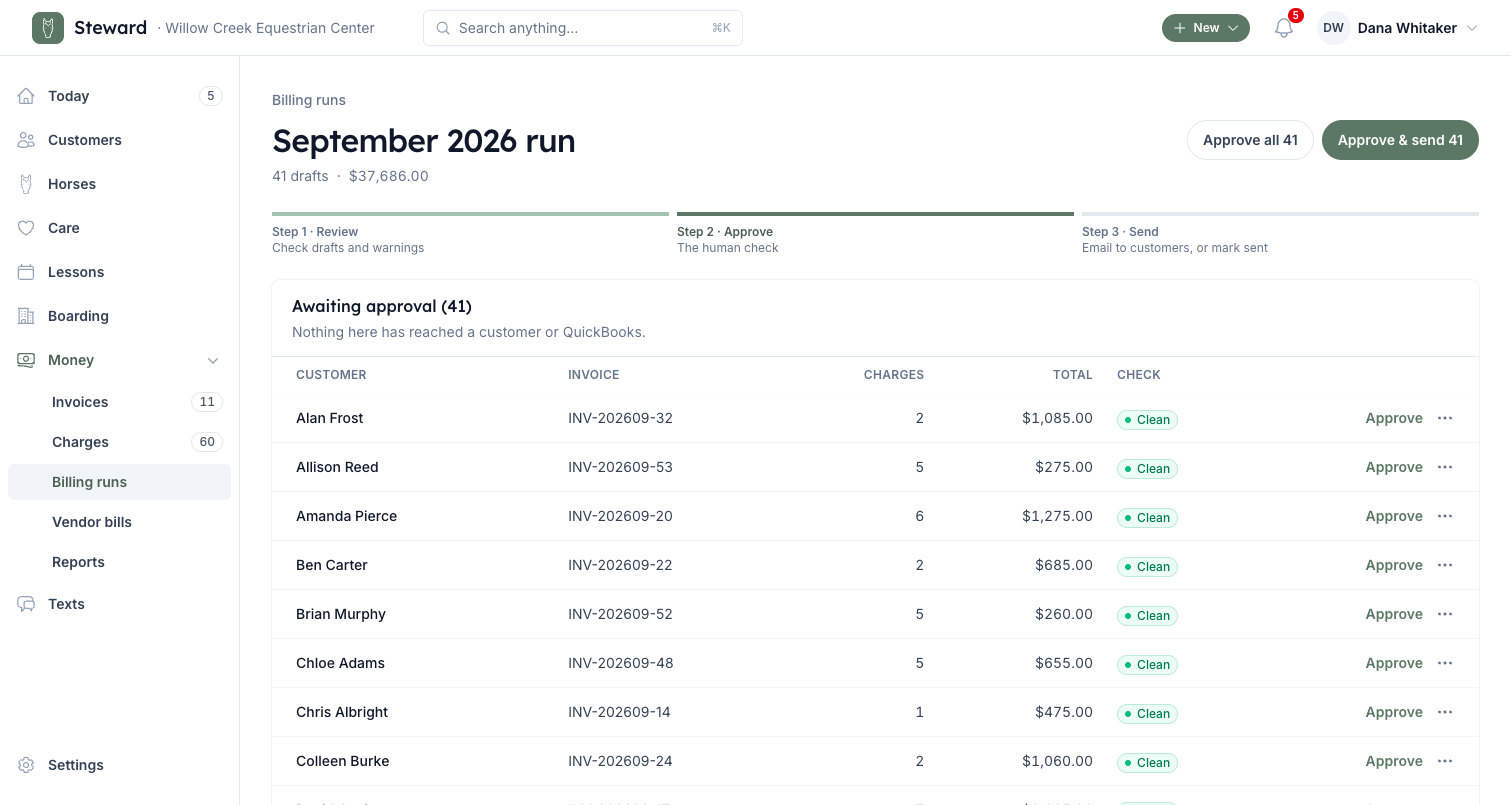
Reminders at 1, 7 and 14 days. They stop when it's paid.
Built for the barn aisle
Experience designed for each user.
Staff do the work. You run the barn. Boarders see what they owe.
-
For staff
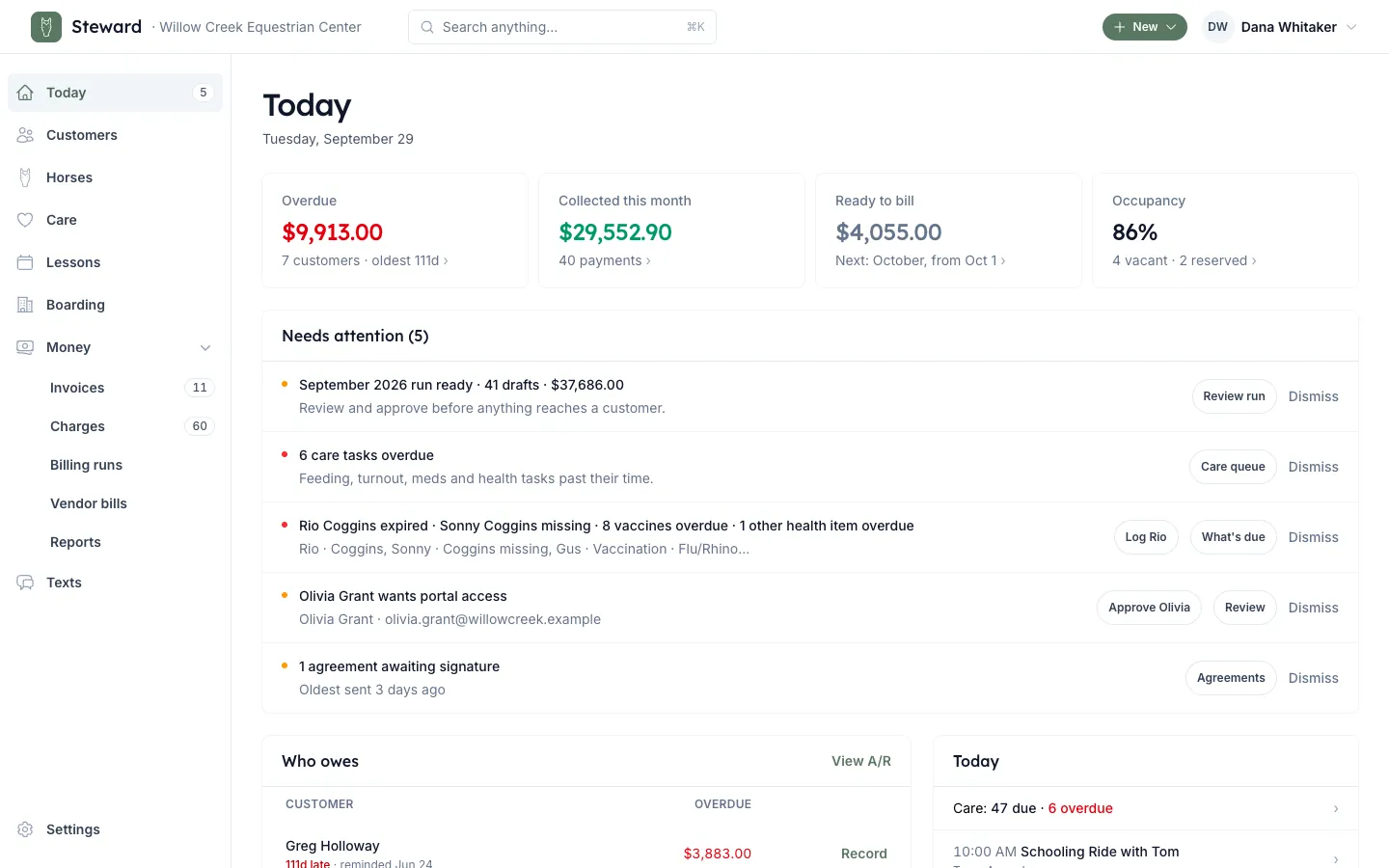
One screen. Done on site or by text.
Today's tasks, overdue first. Tap it done in the aisle, or text it in. No invoices, no balances.
-
For Facility Manager
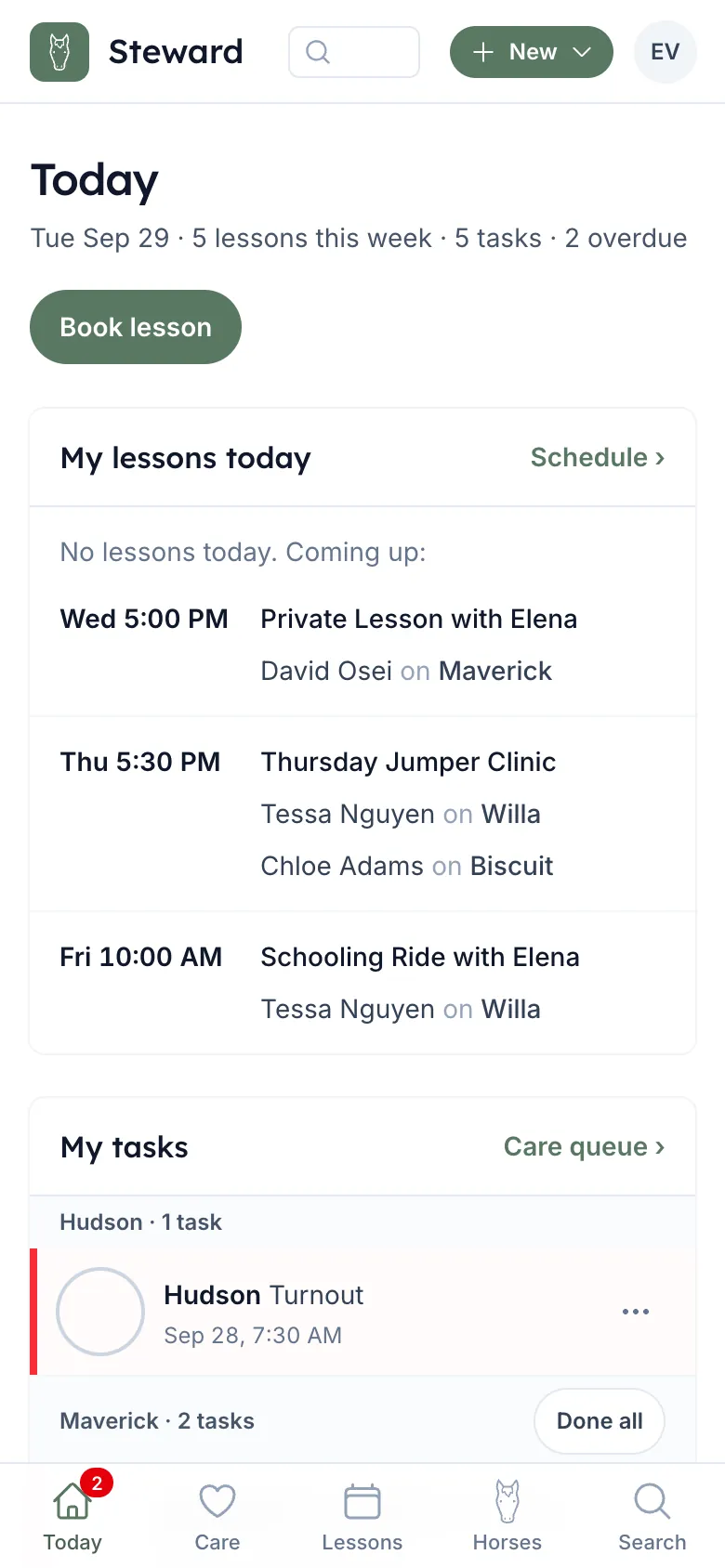
Track horses, barn health and finances.
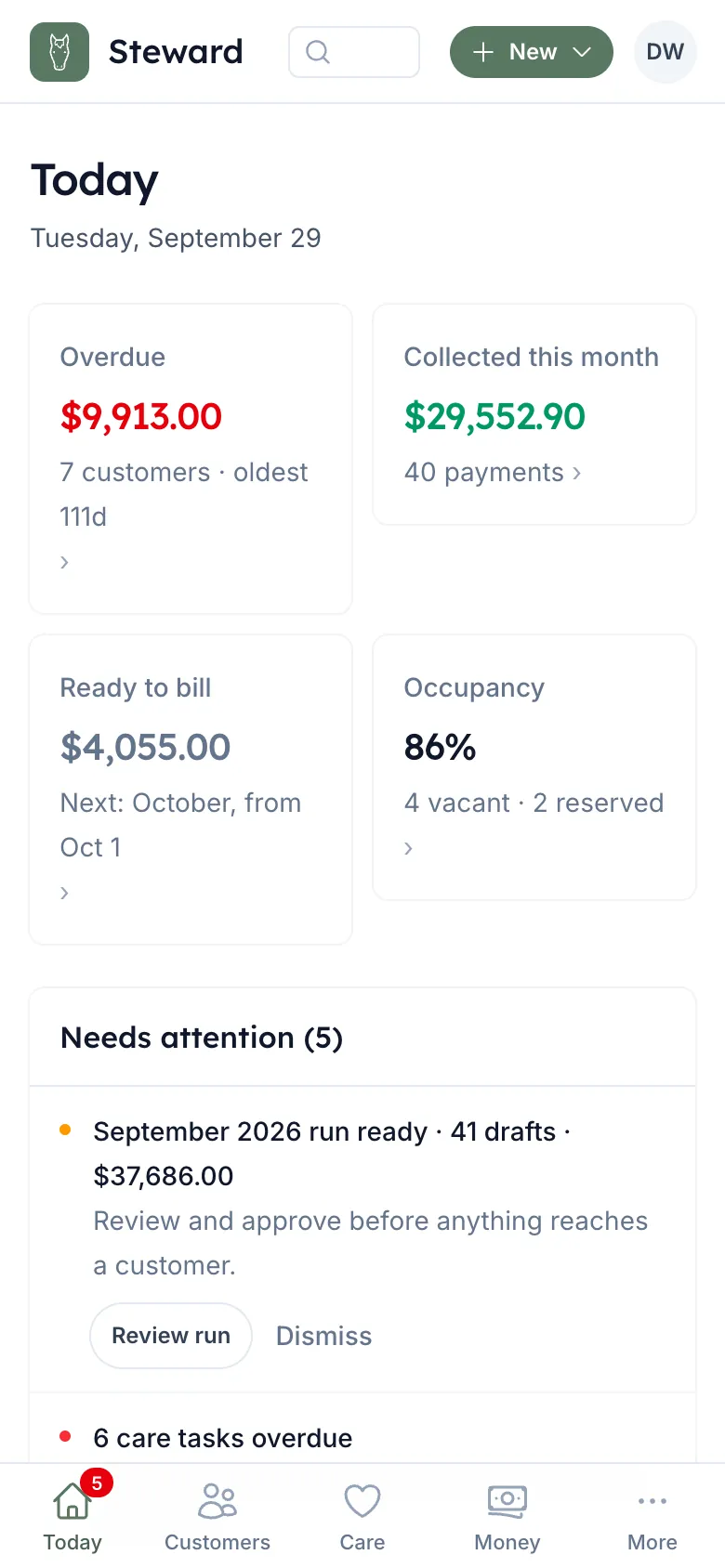
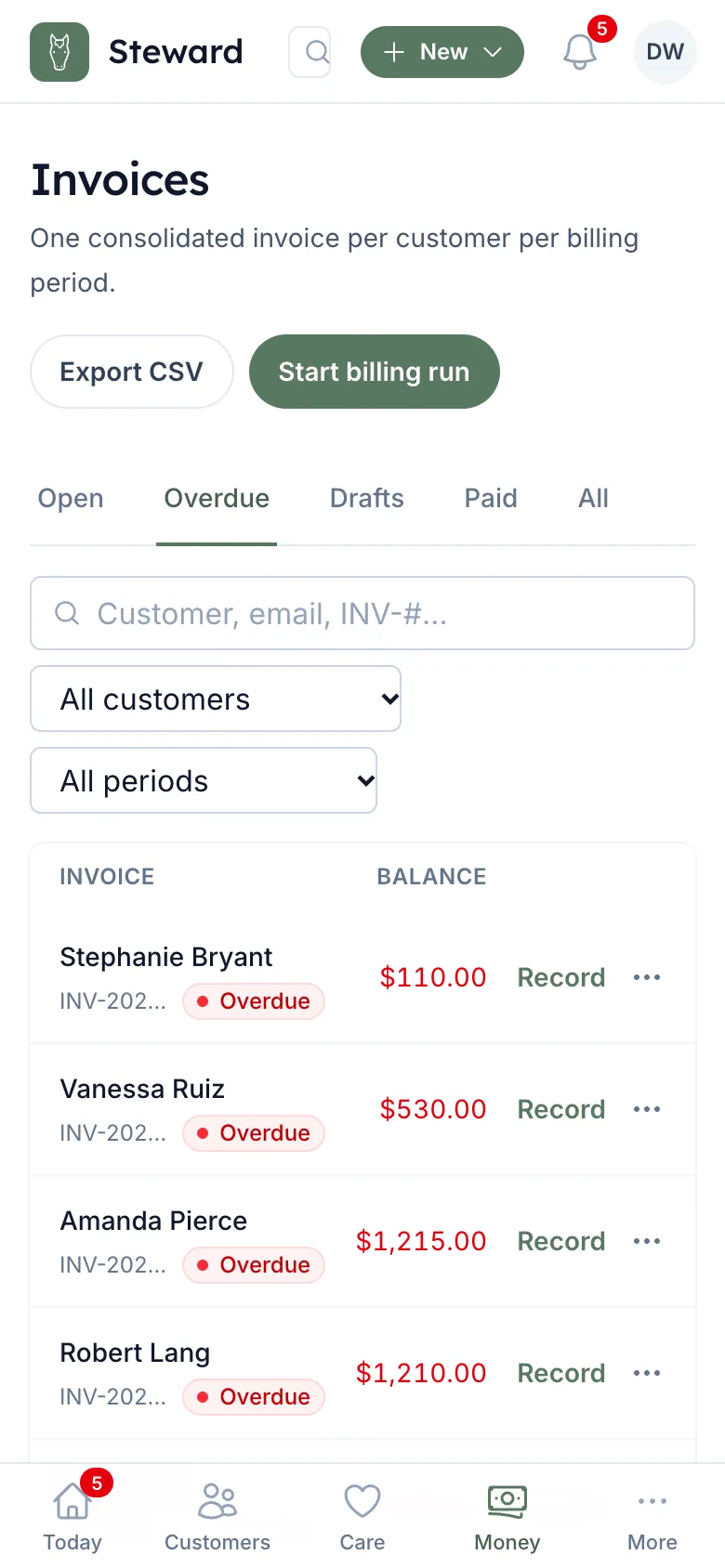
Stalls filled, Coggins and vaccines overdue, and who owes, on one Today page. A check at the desk is two taps to record.
-
For your boarders
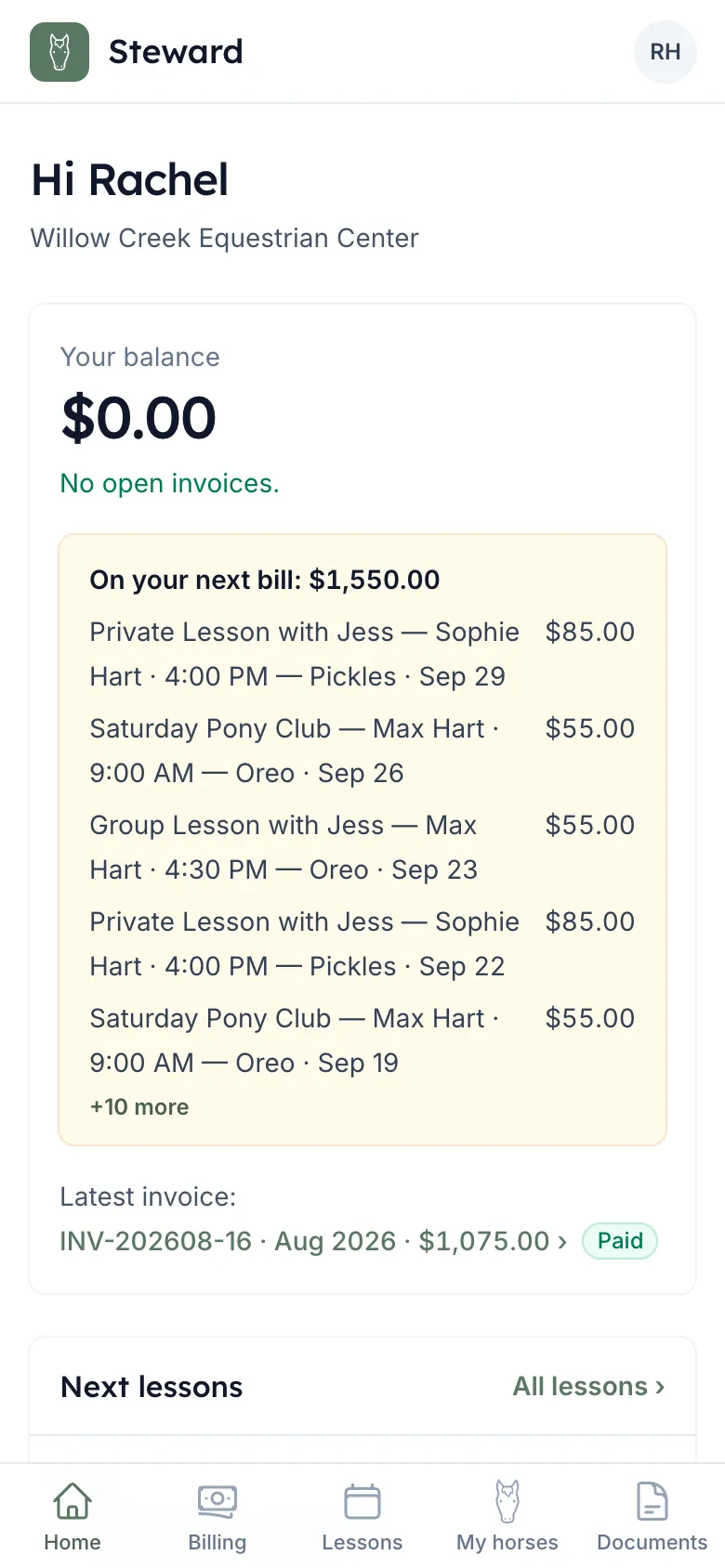
What they owe, and how to pay.
Their balance, latest invoice, next lesson and horses. A parent gets every child's lessons on one login and one bill.
QuickBooks Online
Works with the QuickBooks you already use.
Connect it once and it stays current. Nobody retypes a thing. No QuickBooks? Rein emails invoices itself.
- Invoices go outApproved invoices land in QuickBooks.
- Payments come backPaid in QuickBooks, paid here.
- Customers matchedTo the ones already in QuickBooks, by email or name. New ones are added.
Texting
Run the barn by text.
Managers and trainers text the barn's number to mark a barn fed, add a charge or book a lesson. Riders text to move or cancel. Nobody opens an app for a one-line job.
-
Willow Creek Equestrian Center Text message · Marcus, manager
-
Marcus: Upper barn fed
-
Rein: Mark 2 tasks (AM/PM Feeding) in Upper Barn today (Ranger 7:00 AM, Atlas 7:15 AM) done? Reply YES within 10 min to confirm.
-
Marcus: YES
-
Rein: Done: 2 tasks (AM/PM Feeding) in Upper Barn today (Ranger 7:00 AM, Atlas 7:15 AM).
A manager feeds the upper barn -
-
Willow Creek Equestrian Center Text message · Elena, trainer
-
Elena: Charge Ranger farrier 135
-
Rein: Charge Sarah Kim $135.00 for Farrier — Ranger? Reply YES within 10 min to confirm.
-
Elena: YES
-
Rein: Done: charged Sarah Kim $135.00 for Farrier — Ranger.
A trainer adds a charge -
-
Willow Creek Equestrian Center Text message · Tessa, rider
-
Tessa: Cancel my next lesson
-
Rein: Cancel your lesson on Tue Oct 6 at 4:00 PM? No charge. Reply YES to confirm.
-
Tessa: YES
-
Rein: You've been removed from the lesson: Private Lesson on Tue Oct 6 at 4:00 PM. No charge.
A rider cancels a lesson -
-
Nothing changes until YES
Every request is read back with names, times and amounts. It waits 10 minutes for YES.
-
Only what they're allowed
Owners, managers, trainers and instructors can text commands; barn hands can't. A text does only what that person can do in the app.
-
Yours to turn off
Staff commands are one switch in Settings, on by default. Customers can reply STOP to any text.
See it on your own numbers.
Set up your barn, add your horses and boarders, and the work your staff mark done this week is on your next invoice run.
Nothing slips
Close the gap between care and billing.
Care logged becomes a charge. The charge lands on the invoice.
-
Step 1
Care logged
A farrier hold, a supplement, a blanket change. Staff tap it done.
-
Step 2
Charge created
Priced from your list, on the owner's account, split between co-owners.
-
Step 3
On the invoice
Every unbilled charge lands on the month's invoice. Billed once, never twice.
Pricing
Priced by your horses. Every feature included.
Pay for the size of your barn, never for features. Count active horses, not stalls.
Every plan includes
- Care tapped done becomes a charge
- Monthly invoices you approve
- Automatic payment reminders
- Works with QuickBooks
- Run the barn by text
- Apps for staff and boarders
Start for free now
then $99 per month
Small
Up to 15 horses
Start for free now
then $249 per month
Medium
16–40 horses
Custom pricing
Built around how you operate
Enterprise
41+ horses or several barns
- Volume pricing across barns
- One bill for every location
- Annual invoicing
- Custom terms
- Onboarding and data migration
- A person you can call
*Every plan is free for your first 30 days, no card needed. After that it's month-to-month at your plan's price, with no minimum term and no cancellation fee. Cancel any time before day 30 and you're never billed. See our full Terms.
Before you switch
Frequently asked questions
The questions barn owners ask before they switch.
-
-
What happens to the records we already have?
Bring in your horses, boarders and current board arrangements when you start. Nobody re-keys a season of history by hand.
-
Does this replace QuickBooks or our bookkeeper?
No. QuickBooks stays your books of record, and your bookkeeper's process doesn't change. Rein keeps it fed accurately, both ways.
-
Do you process our payments?
No. You keep your own payment processor, your own rates and your own bank. We keep your books and QuickBooks agreeing with each other.
-
-
-
Do we have to switch everything on day one?
No. Keep your current system as a backup while staff get comfortable on their phones. Nothing here needs a flash-cut.
-
Who can see money — invoices, balances, revenue?
Only the roles you give access to. Staff logging care see their own day's tasks and nothing about billing.
-
What does “both ways” mean for QuickBooks?
Invoices go out to QuickBooks, and payments and adjustments come back in. When the two sides ever disagree, Rein says so instead of leaving it for reconciliation.
-
-
-
Can we cancel?
Any time. Your first 30 days are free, and if you cancel before they end you're never billed. After that it's month-to-month with no minimum term. Your data is never deleted on cancellation: it's read-only and exportable for 90 days.
-
Which number decides our plan?
Active horses, not stalls, if the two differ. Change plans whenever your barn does.
-
How do I add new customers?
Add them yourself in one form (a new boarder's horse, stall and board included), or share your barn's private sign-up link and approve each request. Invite them to the portal and they set their own password.
-